Sales: (780) 420 1111
Service & Parts: (780)420 1111


If you already love Wireless Apple CarPlay, think of Wireless Android Auto as its equally smart, equally seamless counterpart, built for drivers who live inside the Google ecosystem.
Wireless Android Auto is designed to make your drive safer, smoother, and more intuitive. In other words, it connects your Android phone to your Toyota without a single cable.
If you’re an iPhone user, read: How to Use Wireless Apple CarPlay Like a Pro
Below is an easy, step-by-step guide to setting up wireless Android Auto and using it confidently. Even if you’re trying it for the first time.

Wireless Android Auto lets your compatible Android smartphone connect automatically to your Toyota’s infotainment system. More specifically, it uses Bluetooth and Wi-Fi to create the connection. No USB cable required.
Once connected, your Toyota’s display becomes a driver-focused version of your phone. At that point, you’ll gain access to:
No subscription required. No registration required.
Just connect and go. In short, it’s built for simplicity.
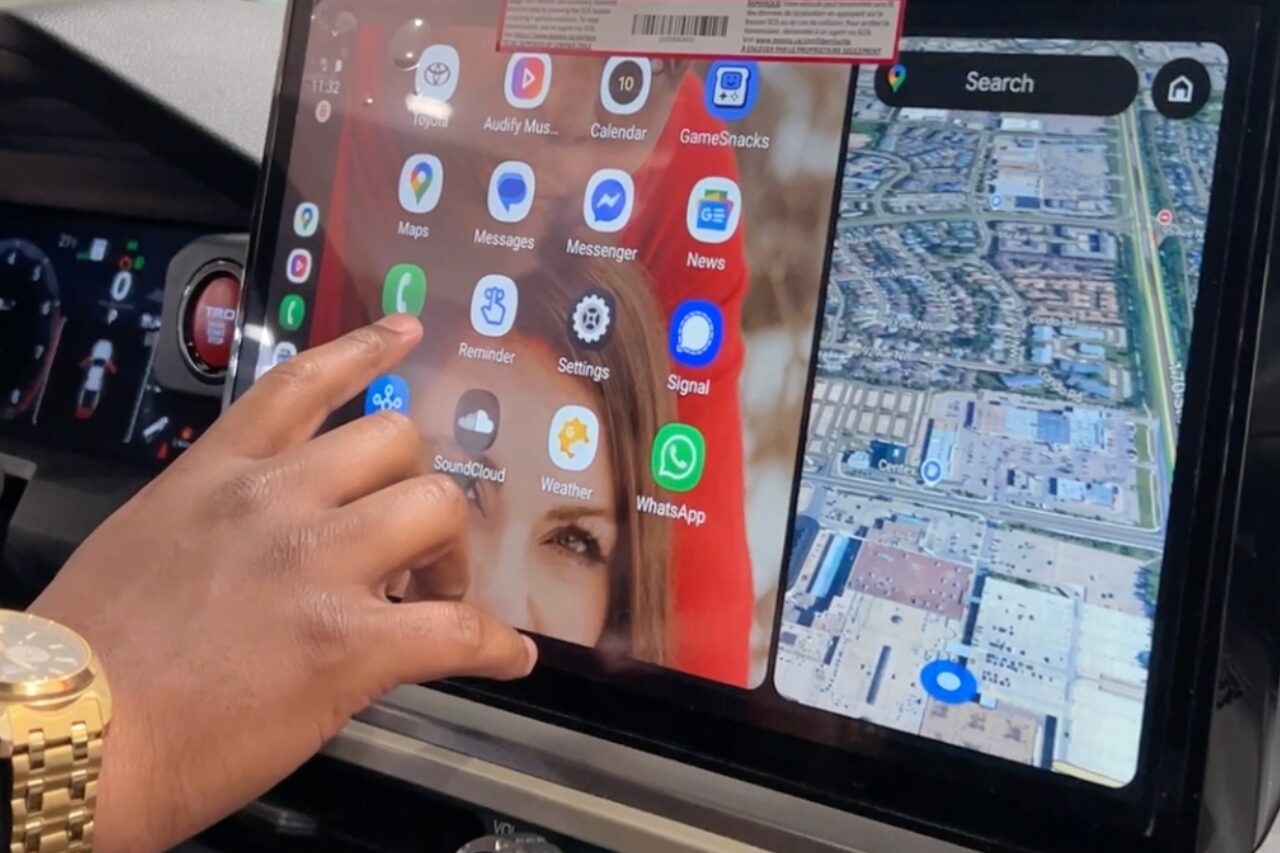
Overall, this technology is all about making your life easier while driving.
Instead of unlocking your phone or glancing down for directions, everything you need appears right on your Toyota’s screen.
You can control most functions using:
That means fewer distractions, quicker reactions, and safer drives, especially in busy Edmonton traffic or on unfamiliar roads.
With Google Maps or Waze displayed front and center, Wireless Android Auto gives you:
As a result, whether you’re commuting to work, navigating construction zones, or heading out on a road trip, you’ll stay on track.
The system thinks ahead for you.
Wireless Android Auto mirrors the apps and settings you already use on your phone, including:
The coolest part about this tech?
Even better, the connection is wireless.
Your Toyota recognizes your phone as soon as you start the vehicle.
No plugging in. No setup every drive.
To begin, follow these steps.
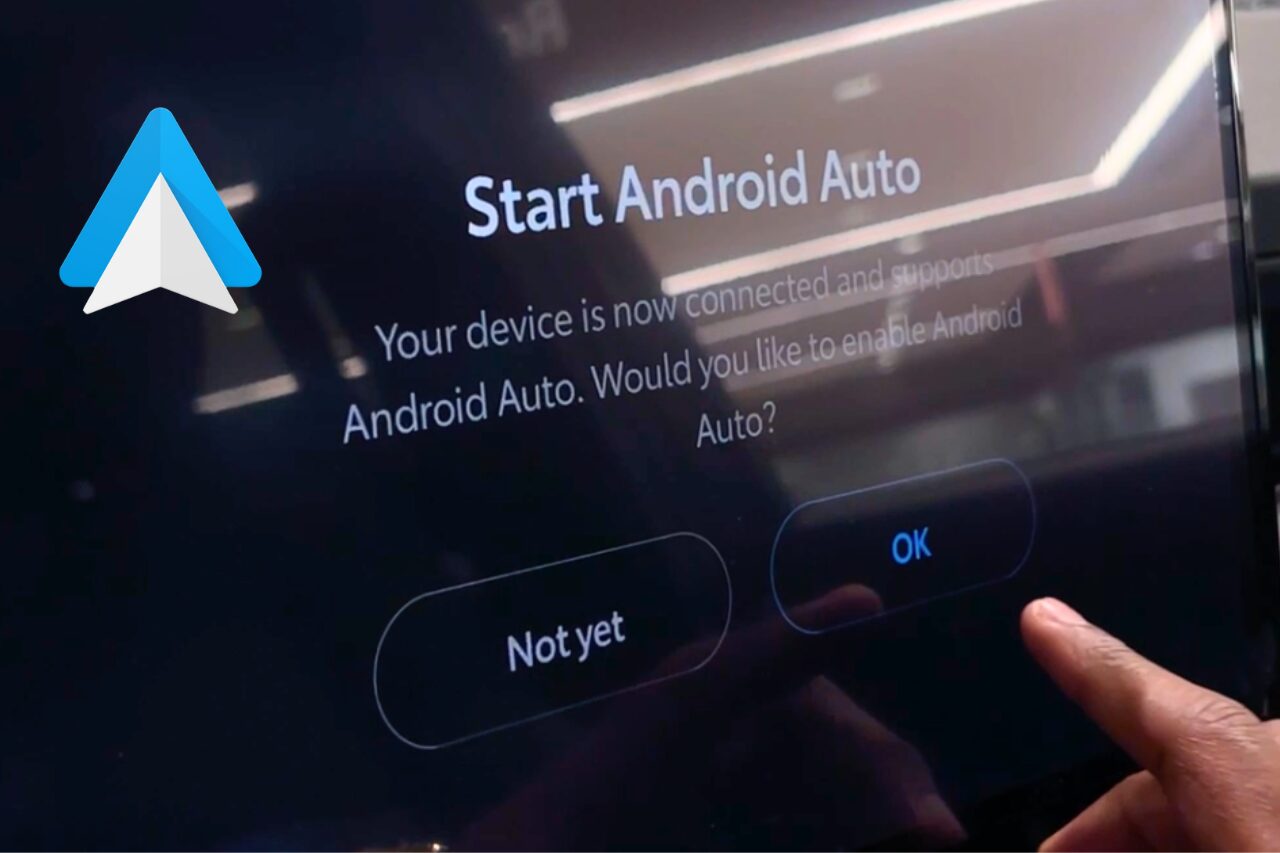
Start by connecting your Android phone to your Toyota using the USB media port.
Once connected, Android Auto will automatically launch on your phone.
Good to know:
Next, continue the setup on your phone.
On your phone screen, you’ll see a button such as “Get Started” or “Connect a Car.”
Tap it to begin.
The app will guide you through a few quick setup steps. These may vary slightly by phone model, but usually include permissions for:
After that, accept the prompts to continue.
Once setup is complete on your phone, look at your Toyota’s multimedia screen.
You’ll see a prompt asking whether you want to turn on Android Auto.
Tap “On.”
That’s it! Android Auto is now ready to use.
Watch our short Instagram reel showing how Android Auto works inside a Toyota.
View this post on Instagram
To start Android Auto at any time:
The Android Auto interface will appear on your vehicle display.
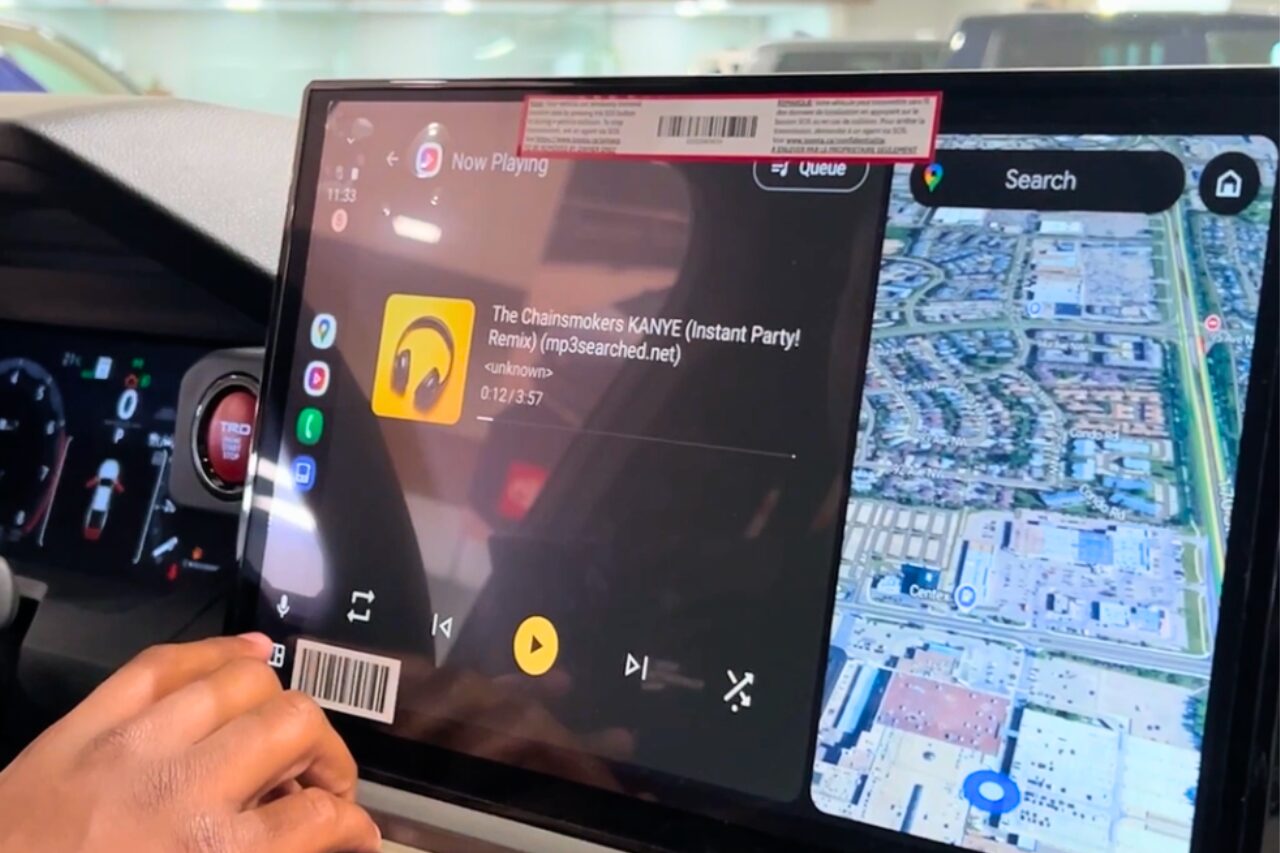
On the Android Auto home screen, you’ll find:
All apps are designed with large icons and minimal distractions for safer driving.
You can control Android Auto using:
To return to your Toyota’s standard multimedia system at any time:
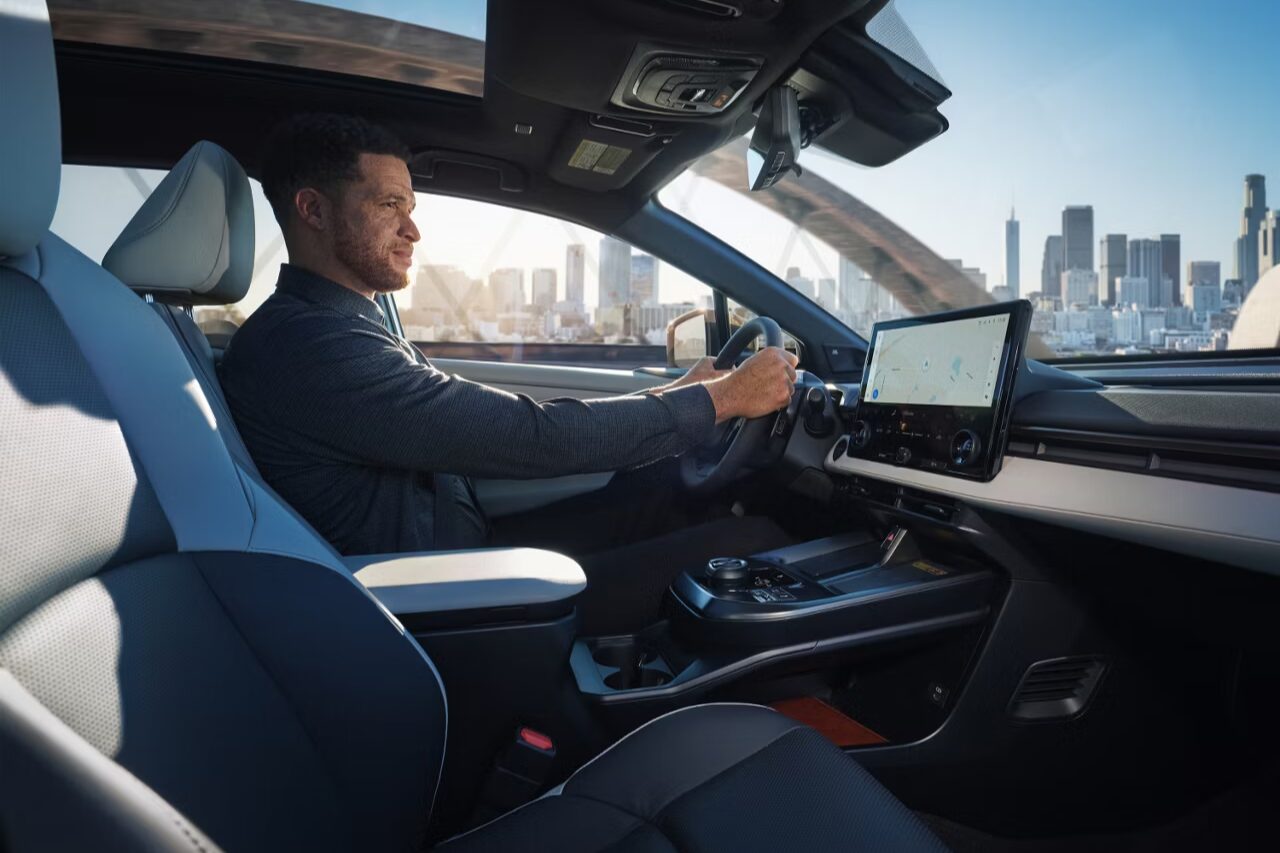
If you drive often, this feature quietly upgrades every trip.
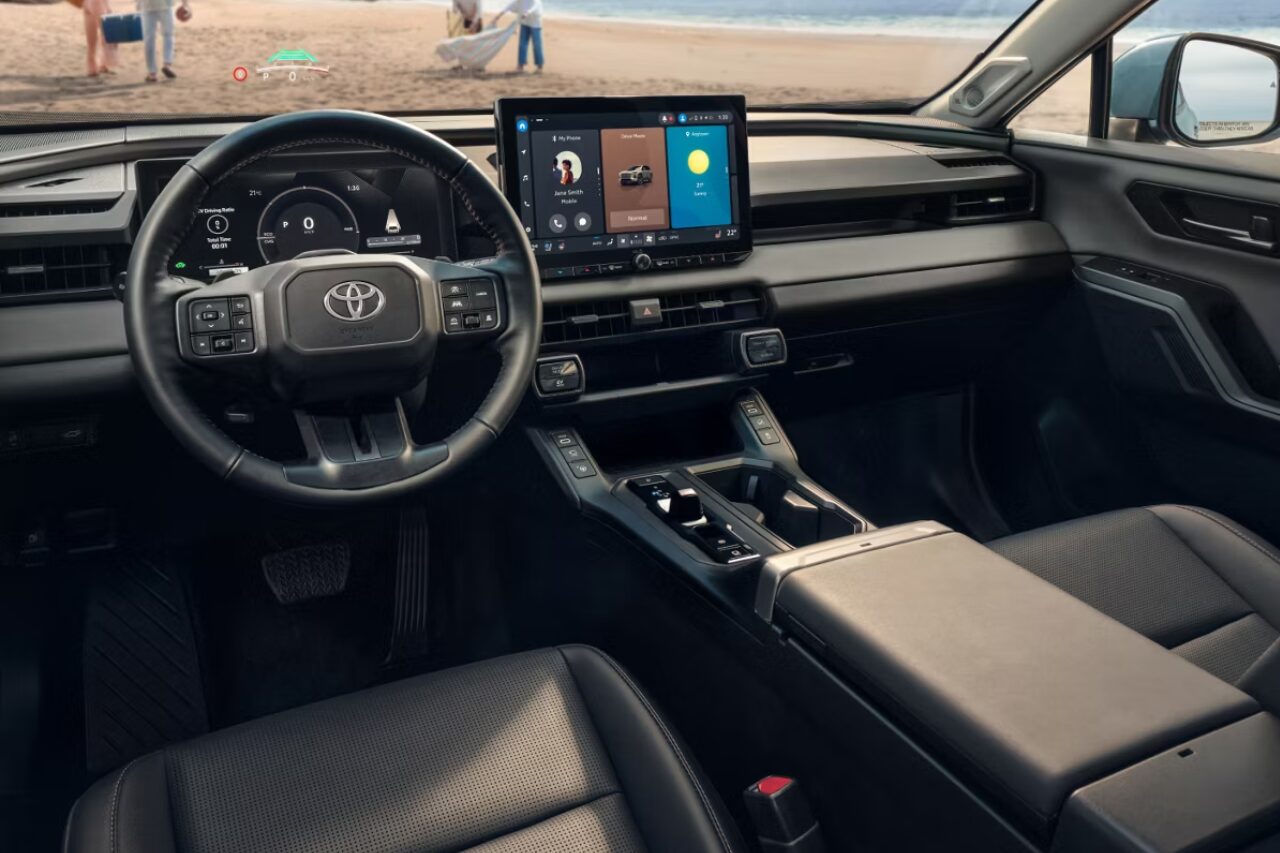
Wireless Android Auto isn’t about doing more; it’s about doing things better.
Once your Toyota connects automatically and keeps you informed without distractions, it’s hard to imagine driving any other way.
If you haven’t explored everything Wireless Android Auto can do yet, this is your sign to start using it like a pro. Now, it’s the perfect time to try it.
Ready to experience the ease of Wireless Android Auto in a brand-new Toyota? Visit West Edmonton Mall Toyota to explore our full lineup of vehicles designed to keep you connected, informed, and focused on the road.
Our knowledgeable team can walk you through how Wireless Android Auto works across different Toyota models and help you find the vehicle that fits your lifestyle.
Schedule a test drive today and experience smarter driving for yourself. Click HERE.